PDF · English
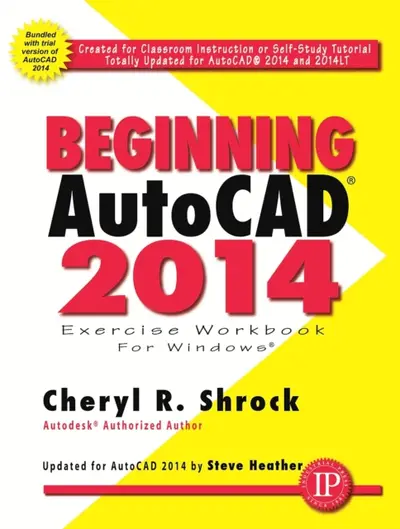
Beginning AutoCAD(R) 2014
Price and availability
$67.99
Available in: Andorra, Austria, Australia, Belgium, Bulgaria, Canada, Switzerland, Cyprus, Czechia, Germany, Denmark, Estonia, Spain, Finland, France, United Kingdom, Guernsey, Greece, Croatia, Hungary, Ireland, Isle of Man, Iceland, Italy, Jersey, Japan, Liechtenstein, Lithuania, Luxembourg, Latvia, Monaco, Malta, Netherlands, Norway, Poland, Portugal, Romania, Sweden, Slovenia, Slovakia, San Marino, United States, Vatican City, South Africa
Stores: US, UK, Canada, EU, Australia.
Sign in to buyThe price is re-checked by the server before payment.
For personal use under the eBook licence.
- Format
- DRM
- Not stated by the publisher
- Language
- English
- Publisher
- Industrial Press, Inc.
- Published
- 24 May 2013
- ISBN
- 9780831192570
- Subjects
- Technical design, Engineering graphics & technical drawing, Technical design, Engineering graphics and draughting / technical drawing
About this book
This is the right book for you if You're new to AutoCAD or want to brush up on the basics. You're looking for a clear, no nonsense, easy-to-follow text. You want to learn AutoCAD quickly and easily.FEATURES Totally updated for AutoCAD 2014 and 2014 LT, including Autodesk 360 Cloud; Design Feed Palette, where you can enter text messages and collaborate with other Online Users, and associate your message with a location on the drawing; Multiple File Tabs Control; Arc Reverse Direction Option; Command Line Options including: AutoCorrect - Synonym Suggestions List and Adaptive Suggestions List Search Online for Help - Easily insert Blocks, Hatch Patterns and Layers. Improved Features include Command Line Options including, AutoComplete, and faster searching for help; Faster Start-up times; Enhanced Model and Layout tab previews. AutoCAD 2014 30-Day Trial Version included on the enclosed DVD. Ideal for classroom instruction or as a self-study tutorial. Provides only what you need without all of the jargon. Includes 30 lessons with step by step instructions followed by exercises designed for practicing the commands learned within the lesson. Each lesson starts very simple and progresses to more complex. The approach taken is to familiarize you with the drawing commands first, and then teach users to create their own setup drawings. Each lesson is explained clearly and in a non-intimidating manner. All exercises print easily on a standard 8.5 x 11 printer.
Bibliographic data © Gardners Books Ltd.