EPUB · English
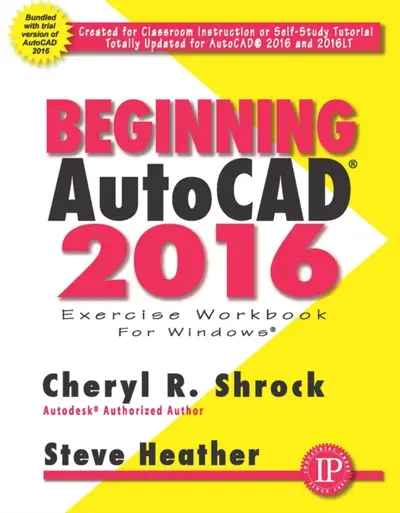
Beginning AutoCAD(R) 2016
Price and availability
$94.99
Available in: Andorra, Austria, Australia, Belgium, Bulgaria, Canada, Switzerland, Cyprus, Czechia, Germany, Denmark, Estonia, Spain, Finland, France, United Kingdom, Guernsey, Greece, Croatia, Hungary, Ireland, Isle of Man, Iceland, Italy, Jersey, Japan, Liechtenstein, Lithuania, Luxembourg, Latvia, Monaco, Malta, Netherlands, Norway, Poland, Portugal, Romania, Sweden, Slovenia, Slovakia, San Marino, United States, Vatican City, South Africa
Stores: US, UK, Canada, EU, Australia.
Sign in to buyThe price is re-checked by the server before payment.
For personal use under the eBook licence.
- Format
- EPUB
- DRM
- Not stated by the publisher
- Language
- English
- Publisher
- Industrial Press, Inc.
- Published
- 28 May 2015
- ISBN
- 9780831193263
- Subjects
- Information technology industries, Engineering: general, Technical design, Engineering graphics & technical drawing, Industrial chemistry & manufacturing technologies, Mechanical engineering, Building construction & materials, Computer-aided design (CAD), Information technology industries, Engineering: general, Technical design, Engineering graphics and draughting / technical drawing, Industrial chemistry and manufacturing technologies, Mechanical engineering, Building construction and materials, Computer-aided design (CAD)
About this book
OverviewFor Use with the PC version of AutoCAD 2016 onlyBeginning AutoCAD 2016 Exercise Workbookis the right book for users new to AutoCAD or who want to brush up on the basics. This is a clear, no nonsense, easy-to-follow text that helps user learn AutoCAD quickly and easily. All exercises print easily on a standard 8 1/2' x 11' printer.Beginning AutoCAD 2016leads you step by step through 30 lessons that Provide detailed instructions, followed by exercises (which print on8 1/2' x 11' paper) for practicing the commands you just learned.Start very simple and progress to higher level skills.Introduce you to the drawing commands first.Show you how to create your own setup drawings.New Features include Start Tab page, containing two sliding content frams called Learn and Create, enabling you to quickly access recent drawing files, templates, product updates, and online resources.DIM command, allowing you to create dimensions based on a selected object.Text Frame property, used to easily create a border around text.Text Wrap in dimensions.Closed Polyline Snapping.Rectangular and Polygonal Revision Clouds.Improved Features include Enhanced Status Bar, giving you greater control of the tools you want displayedThe Command Preview also is enhanced to allow for the Blend, Erase, Scale, Stretch, and Rotate commands.Improved graphics include Line Smoothing and the display of perfect curves.
Bibliographic data © Gardners Books Ltd.